Plan a Subway Day
Free Wi-Fi on a Seoul Subway Outing: What to Check
Your next café is saved, but the map will not load. Here is how Seoul public Wi-Fi works, and what to save before you leave a connection.
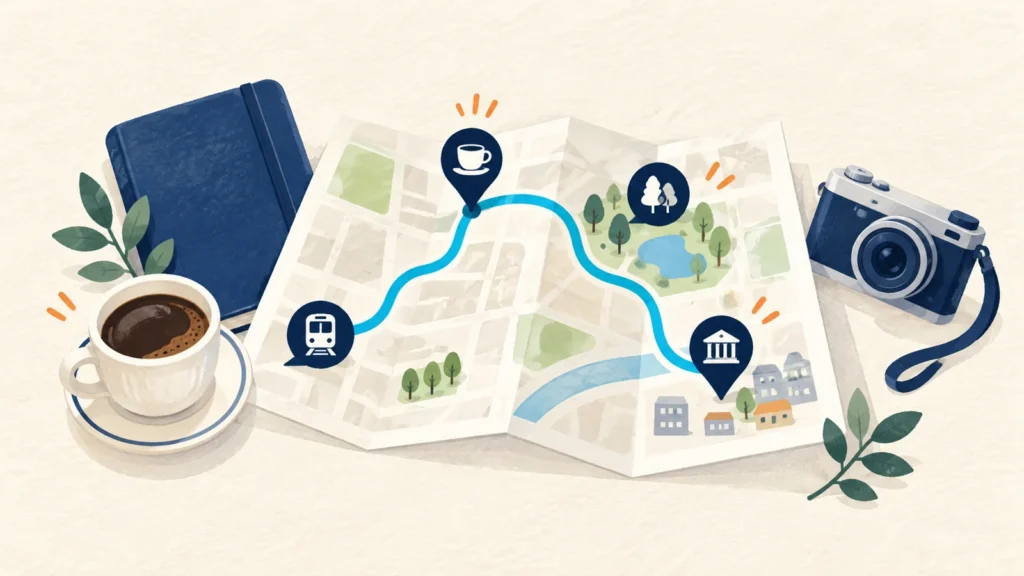
Look for a hotspot, not continuous coverage
You step out of the subway, open the café address, and the map stops loading. A public hotspot can be useful here, but a list of Wi-Fi names is not the same as an internet connection.
Seoul lists public Wi-Fi in places such as major streets, traditional markets, parks and streams, bus stops, cultural facilities and buses. That is a list of installation locations, rather than a promise that every pavement or station platform has a signal. This guide covers the city’s public network; a carrier-branded subway network or a café’s own Wi-Fi can have different access conditions.
Before you walk away from a connected spot, open the next stop’s full address and save the part of the route you need. Keep the Korean place name too, especially when a café has several branches.
Use the current city instructions
The city’s current guide recommends the network named SEOUL_Secure. Enter seoul in both the ID and password fields. The city says a configured device can reconnect automatically at its other participating hotspots. Availability still depends on the hotspot and your device.
The open network SEOUL works differently: select it, then use the general connection button on the page that opens. The city describes this as a manual step each time. A Wi-Fi icon alone does not confirm that you completed that page.
Phone menus vary. If your phone asks for certificate or security settings you do not understand, use the current official guidance or ask for help instead of guessing. This article does not require installing an app or profile, or turning off a security warning.
Test the connection before you need it
Open a fresh page, then check your destination in the map app. An old map can remain on screen even when a new search cannot load. A short test now is easier than discovering the problem at the next junction.
If the connection does not work, use your own available mobile data or return to a known working connection. Keep the next address and saved route accessible on your phone. Seoul’s public Wi-Fi help centre is 02-2133-0022; the city lists it for service enquiries.
Keep any urgent travel arrangements independent of finding a particular hotspot. Saving a numbered route image is useful for the stop order, while current directions, opening notices and the last train still need their own checks.
Save a small outing before you leave
For a concrete starting point, the Ichon museum-and-park guide connects the National Museum of Korea, a food-court and coffee stop, and Yongsan Family Park. Open its Save this route section and save the numbered map while you have a working connection.
The downloadable map is in English. It shows the route’s stop order, rather than live navigation or the location of Wi-Fi hotspots. Check the museum’s current visiting information and decide whether the park suits the day’s conditions before setting off. You do not need to visit every stop.
Sources: Seoul public Wi-Fi instructions (Korean) · Seoul public Wi-Fi overview (English).
Ready to use it?